
Foundations of Accurate Gluten-Free Voice Logging
Millions of Americans follow a gluten-free diet, a commitment that requires constant vigilance over every ingredient. This daily diligence can make manual food tracking feel like a chore. We’ve all been there, tapping away at a tiny screen, searching for the right entry while our meal gets cold. This is where the simplicity of speaking your meal into existence offers a genuine solution.
A voice command food tracker is uniquely suited for this lifestyle, offering the speed and convenience needed for daily consistency. However, the central challenge remains: for many, "gluten-free" is a medical necessity, not a preference, so accuracy is non-negotiable. The system’s effectiveness depends on both the clarity of your command and the app's ability to interpret it correctly.
Modern solutions achieve this reliability through on-device processing. This approach ensures your sensitive health data stays on your phone, a core part of a larger movement toward privacy-focused, AI-driven healthcare that gives you complete control. It’s a practical way to learn how to log gluten-free meals without compromising your privacy.
Crafting Clear and Effective Voice Commands
The secret to getting accurate results from a voice command food tracker isn't complicated. It’s about being specific. Vague commands lead to vague nutritional data. Think of it as giving precise instructions to a personal chef. You wouldn't just say "make me some pasta"; you'd specify the type and amount.
For the best results, structure your voice commands with three key pieces of information:
- Quantity or Portion Size: Start with how much you ate, like "one cup" or "four ounces."
- The Food Item: Clearly state the food, such as "oatmeal" or "bagel."
- The "Gluten-Free" Qualifier: Always end by stating that the item is "gluten-free."
This structure removes ambiguity. "Some oats" is a guess. "One cup of gluten-free oats" is a fact. The same applies to branded products. Instead of "a granola bar," say "one MadeGood chocolate chip granola bar." This level of detail ensures the app pulls the correct nutritional information. Before you save any entry, always review the text transcription on the screen. This final check is your best defense against misinterpretations.
| Logging Goal | Vague Command (Less Accurate) | Clear Command (More Accurate) |
|---|---|---|
| Simple Breakfast | 'I had toast and eggs.' | 'Two scrambled eggs and one slice of gluten-free toast.' |
| Branded Snack | 'A granola bar.' | 'One MadeGood chocolate chip granola bar.' |
| Lunch with a Side | 'Chicken salad and some crackers.' | 'One cup of chicken salad with five Simple Mills almond flour crackers.' |
| Dinner Ingredient | 'Pasta for dinner.' | 'Four ounces of Banza chickpea pasta, gluten-free.' |
Identifying Hidden Gluten in Processed Foods
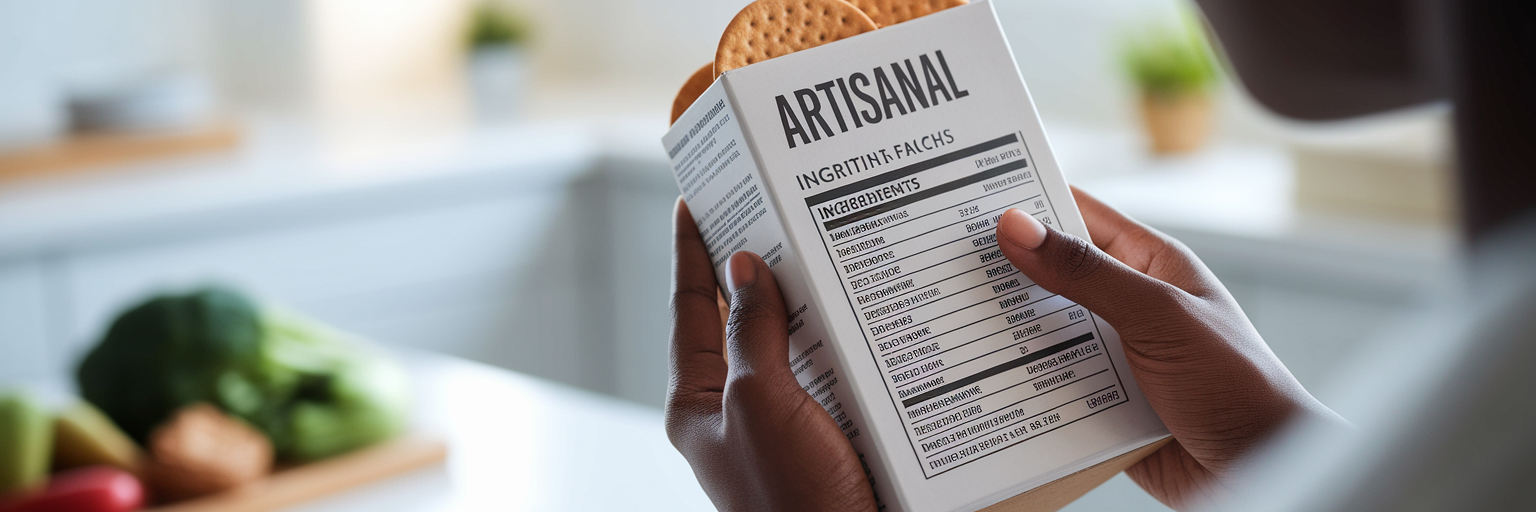
Even the most advanced gluten-free diet app has its limits. No food database is perfect, and voice logging alone cannot replace the critical habit of reading labels. This is especially true when it comes to tracking hidden gluten in processed foods. You might say "gluten-free soy sauce," but if the app's database contains a generic entry without that specific detail, your log could be inaccurate.
The most effective strategy is to build your own personal library of trusted foods. This isn't as tedious as it sounds. The workflow is straightforward:
- When you try a new packaged food, read the nutrition label carefully.
- If the product isn't in the app's database or the entry seems generic, create a new custom food.
- Enter the nutritional information from the label and explicitly mark your new entry as "gluten-free."
Think of it like programming your own shortcuts. Once you save "My Favorite Gluten-Free Bread," you can log it instantly by voice next time. A well-designed app, like the one we built, makes this customization process simple. This practice transforms your app from a generic tool into a personalized system that understands your diet as well as you do. It’s a small investment of time that pays off with every subsequent meal you log.
Logging Details to Manage Cross-Contamination
For anyone with celiac disease or a severe gluten sensitivity, cross-contamination is a constant concern. Standard food databases track ingredients, not preparation methods. A restaurant’s steak might be gluten-free, but if it was cooked on the same grill as breaded items, it’s no longer safe. This is where your food log can become an essential tool for nutrition tracking for celiac disease.
Use the notes or comments feature to document safety protocols with your voice. A streamlined voice-powered calorie and macro tracker makes it easy to append these crucial details without typing. After logging your meal, simply add a quick voice note like:
- "...cooked in a dedicated gluten-free toaster."
- "...prepared with clean utensils and a separate cutting board."
- "...asked the restaurant about their fryer protocol and confirmed it was dedicated."
This practice isn't a burden; it's a form of self-advocacy. Over time, you create a detailed personal record that helps you identify which restaurants, recipes, and cooking methods are consistently safe. Your food diary transforms from a simple list of what you ate into a powerful health management tool that gives you confidence and control.
Pairing Voice Commands with Verification Tools
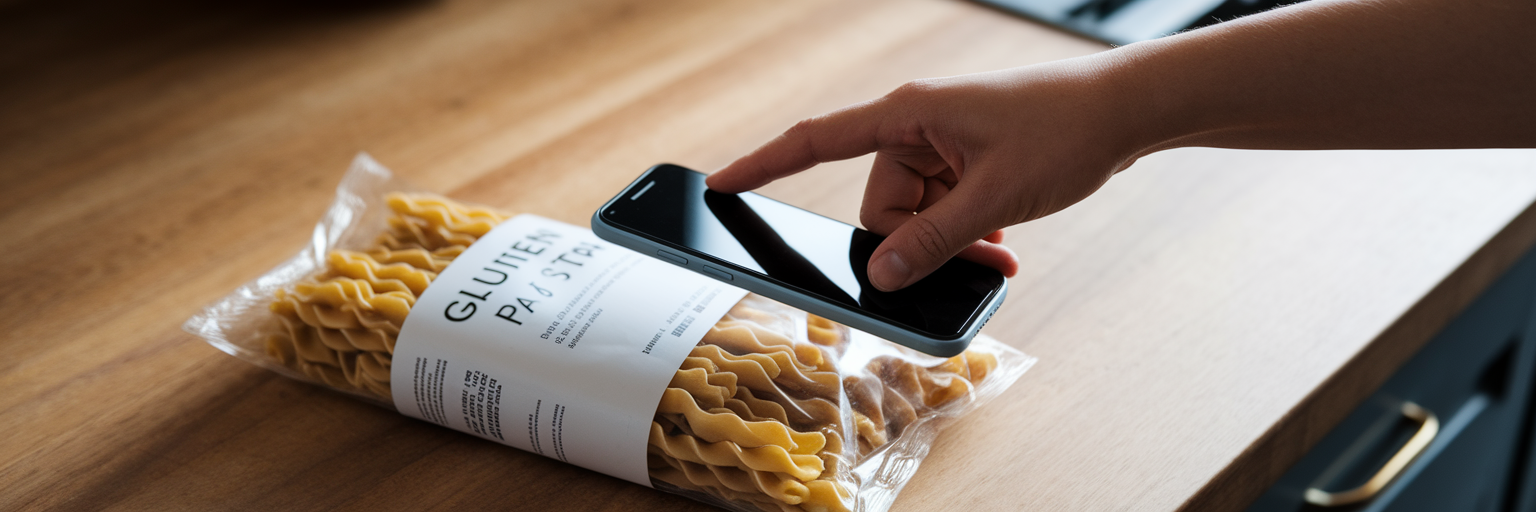
For maximum safety and efficiency, a hybrid workflow is often the best approach. This method combines the certainty of scanning with the speed of voice, giving you confidence in your data without slowing you down. It’s the best way to track macros gluten-free, especially when trying new products.
The process is simple and effective:
- For any new packaged food, use the app's barcode scanner first. This instantly pulls up the product's specific details from the database, allowing you to verify its gluten-free status.
- Once confirmed, use a quick voice command like "one serving of that" or the product's name to log it.
This two-step process also highlights a key technical difference in tracking apps. Many systems rely on the cloud for voice recognition, meaning they won't work without an internet connection. This can be frustrating when you're at a restaurant with spotty Wi-Fi or traveling. In contrast, on-device systems work anywhere, anytime, because the processing happens directly on your phone. This not only enhances reliability but also protects your privacy by keeping your data local. Regardless of the method you use, the final, non-negotiable step is to always glance at the confirmation screen before saving. That last check is your ultimate safeguard.
Using Logged Data to Analyze Nutrition Trends
The real power of diligent logging isn't just about keeping a record; it's about what you do with the information. Consistent, accurate data is the foundation for meaningful nutritional analysis. When you master how to log gluten-free meals correctly, you create a high-quality dataset that reveals patterns in your diet you might otherwise miss.
According to the National Institute of Diabetes and Digestive and Kidney Diseases (NIDDK), people on gluten-free diets can sometimes lack sufficient fiber, iron, and certain B vitamins. An app that provides clear visual charts and reports makes these potential gaps easy to spot. You can see if your fiber intake dips on weekends or if your iron sources are consistent throughout the week.
This is where privacy becomes paramount once again. With an app that performs analysis on-device, like the one we designed, these powerful insights are generated without your personal eating habits ever leaving your phone. Your health trends remain your own. Ultimately, effective nutrition tracking for celiac disease is about more than just accountability. It’s about gathering the intelligence you need to proactively manage your health and optimize your gluten-free lifestyle with confidence.