

Choosing a nutrition app feels like a personal step toward better health. Yet, what happens to the data you log every day? The food you eat, the habits you track, and the goals you set are deeply personal. It's no surprise that this information is valuable, not just to you, but to data brokers and advertisers as well.
Why Your Health Data Deserves Strong Protection
A recent analysis from Market.us reveals that over 60% of users express concerns about their data privacy while using diet and nutrition apps. This isn't just abstract worry. The information you log paints an intimate picture of your life, revealing far more than just calorie counts. It details your dietary patterns, daily routines, and even hints at potential health conditions.
When this data is stored insecurely on a company's server, the risks become tangible. It can be sold to third parties and used for targeted advertising, pushing unhealthy foods or supplements based on your logged weaknesses. In a more concerning scenario, it could be used by data brokers to build profiles that might one day influence insurance premium calculations. And, of course, it remains vulnerable to data breaches that expose thousands of users at once.
Thinking about nutrition app data privacy isn't about being paranoid. It's about recognizing that your health journey is yours alone. Strong data protection isn't an optional feature. It is a fundamental requirement for any health tool you should trust with your most personal information.
Decoding App Privacy Labels and Policies

Before you even download an app, you have a powerful tool at your disposal. For iPhone users, Apple’s Privacy Nutrition Labels provide a quick, standardized summary of a developer's data practices. As Apple details on its privacy site, these labels are designed to give you an at-a-glance understanding of how your information is handled.
Pay close attention to the "Data Linked to You" section. If an app collects health and fitness data for "Third-Party Advertising," that’s a significant red flag. Data collected for "App Functionality," however, is often necessary for the app to work correctly. The goal is to see what an app needs versus what it wants for its own benefit.
Beyond the label, a transparent privacy policy is a sign of a trustworthy developer. If the policy is written in clear, simple language, the company likely has nothing to hide. Conversely, a document filled with dense legal jargon is often a deliberate attempt to obscure how your data is shared. A trustworthy app will be upfront about what it collects and why. For a benchmark on what to look for, reviewing a privacy-first policy can provide a clear example of transparency. Learning how to check app permissions and reading these summaries empowers you to spot intrusive practices before you commit.
The Gold Standard: On-Device Data Storage
The most robust way to protect your health data is to choose an app that stores it exclusively on your device. On-device storage means exactly what it sounds like: your meal logs, trends, and personal information never leave your phone. They are never uploaded to a company server, seen by employees, or shared with third parties.
This model stands in stark contrast to the common cloud-based approach, where your data lives on a remote server. While convenient for syncing, cloud storage creates a central "honeypot" for hackers. A single breach can expose the sensitive information of every user. With on-device storage, the risk is isolated entirely to your own device.
The on-device data storage benefits are clear: you retain complete control, security is dramatically enhanced, and your privacy is absolute. Some might assume this approach limits an app's capabilities, but that’s a common misconception. Modern smartphones are powerful enough to handle complex calculations and analysis locally. This privacy-centric approach doesn't mean sacrificing functionality; in fact, a powerful private nutrition tracker app can deliver instant insights using only the processing power of your phone. A truly secure calorie counter app puts your data in your hands, and nowhere else.
| Factor | On-Device Storage | Cloud-Based Storage |
|---|---|---|
| Data Location | Exclusively on your personal device | On company-owned or third-party servers |
| Breach Risk | Isolated to a single device | Centralized; a single breach can expose all users |
| Developer Access | Developer cannot see your personal logs | Data is accessible to the company and its employees |
| User Control | You have absolute control and ownership | Control is shared with the app provider |
| Offline Functionality | Fully functional without an internet connection | Often requires an internet connection to sync |
This table highlights the fundamental differences in security, privacy, and control between on-device and cloud-based data storage models for nutrition apps.
Warning Signs of an Intrusive Nutrition App
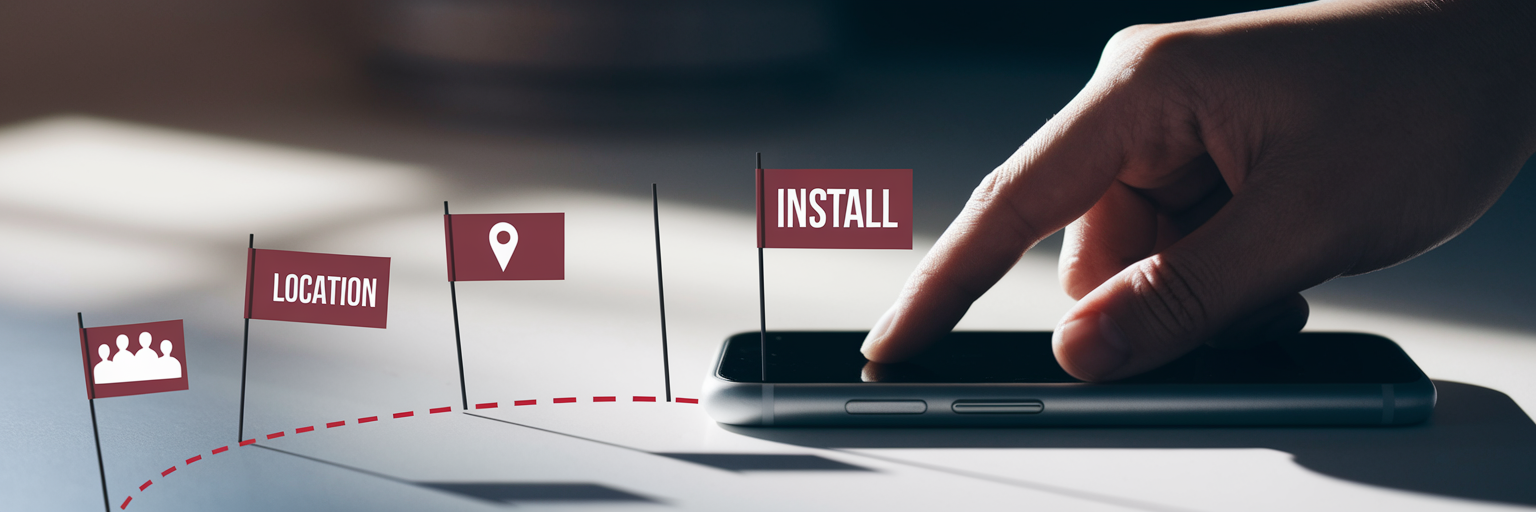
As you evaluate different nutrition trackers, keep an eye out for these clear red flags. They often indicate that an app’s business model relies on collecting and monetizing your personal information.
- Excessive Permission Requests: Always question why an app needs certain permissions. Why does a calorie counter need access to your contact list or your precise location data? Microphone access should only be required for specific, user-initiated actions like voice logging, not for listening in the background.
- Mandatory Third-Party Logins: Be cautious of apps that force you to sign in with a Google or Facebook account. This can grant the app access to a wealth of personal data from your social profile that has nothing to do with nutrition tracking.
- Collection of Advertising Identifiers: This is a key mechanism for tracking your behavior across different apps and websites. If an app collects your device’s advertising ID, its primary goal is likely to build a profile on you for targeted ads, not just to help you track macros.
- Vague Data Sharing Clauses: Look for ambiguous phrases in the privacy policy like "sharing data with trusted partners" or "for marketing purposes." A trustworthy app will state explicitly and proudly that it does not sell or share your personal data. Anything less is a compromise you shouldn't have to make.
Making a Confident and Secure Choice
Choosing the right nutrition tracker doesn't have to be complicated. By focusing on privacy from the start, you can find a tool that supports your health goals without compromising your personal data. Here is a simple plan to follow:
- Review the Privacy Label First: Before you hit download, check the app’s data collection practices on its App Store page. This is your first line of defense.
- Prioritize On-Device Storage: Look for apps that explicitly state your data is stored locally. This is the single most effective feature for ensuring your privacy.
- Scrutinize Permission Requests: When you set up a new app, deny any permission that doesn't seem essential for its core function.
- Trust Your Instincts: If an app feels invasive or its policies are unclear, delete it. There are better, more secure options available.
Your choice sends a message to the market, signaling a demand for higher data security standards. Achieving your health goals should never come at the expense of your privacy. The right private nutrition tracker app will provide the insights you need with the peace of mind you deserve.